Previz software for AV projects: prove the install before the truck rolls
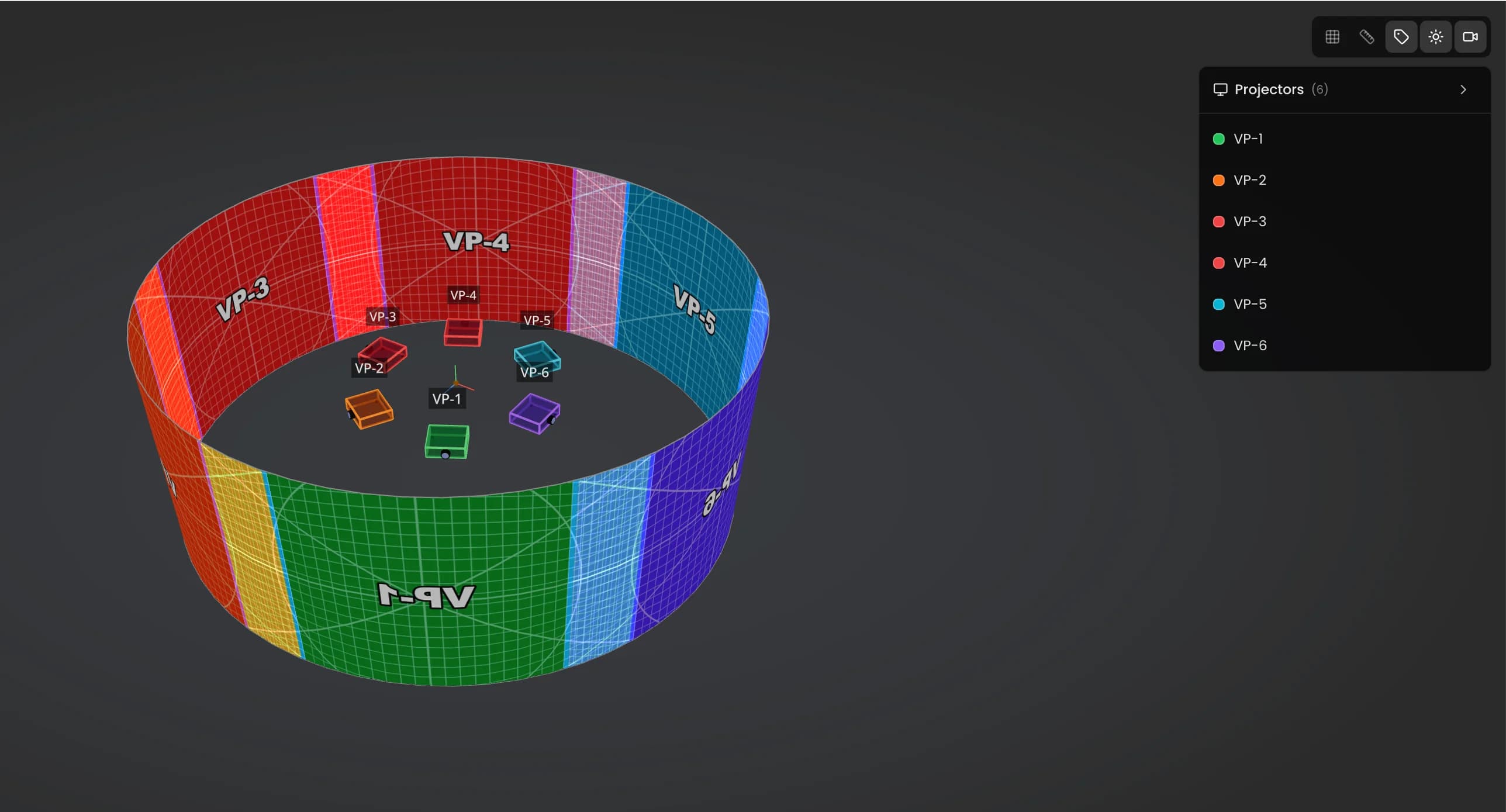
Lumeo is a 3D previz tool for video projection, LED walls and photometry. It runs in a browser tab. I built it after 15 years of doing implantation studies the long way, and this page is for the people who deliver those studies for a living: integrators, design offices, technical directors.
Try Lumeo free for 30 days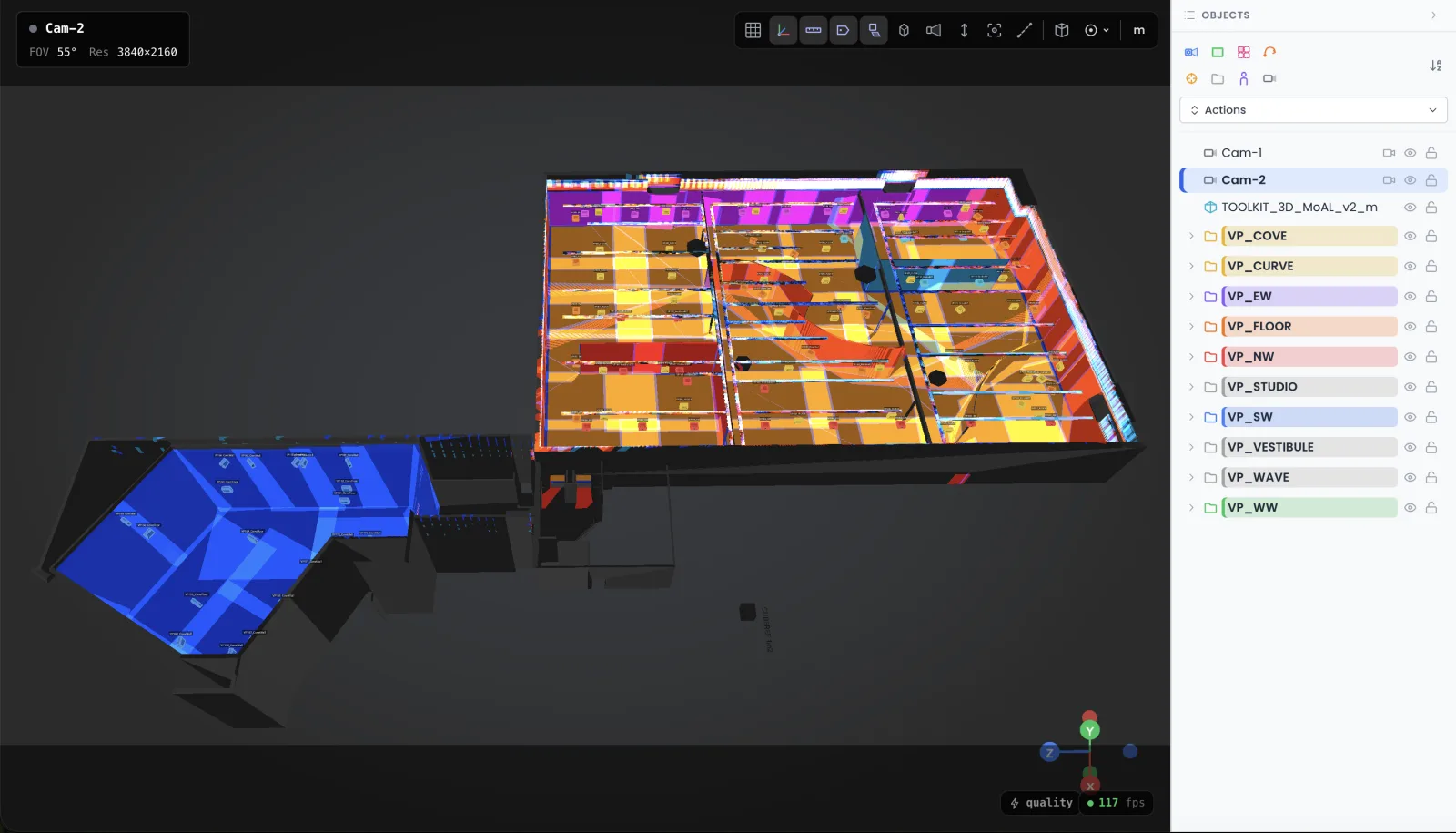
What previz software actually does on an AV project
Previz software builds the venue in 3D, places the real hardware, and proves the design holds before anyone signs a rental order. Not an artist's impression. A simulation with the actual throw ratios, the actual lens shift ranges, the actual lux on the actual surfaces. On AV projects, event previsualization is the difference between a plan and a hope.
I have spent 15 years and 100+ mapping projects producing these studies with Blender, 3DS Max and Excel. It works. It also eats 2 to 3 days per revision, and most integrators bill those days to nobody. Lumeo is the tool I built to stop doing that.
One clarification before we start, because the confusion costs people money: previz is not playback. MadMapper, Resolume or a Modulo server drive content once the hardware is bolted in place. Previz happens months earlier, when the only things that exist are a venue plan and a budget line someone has to defend.
Four files an AV design software has to get out the door
If you run a design office or an integration company, your previz tool is judged on deliverables, not on pretty renders. These are the four I ship most often.
1. The feasibility study
A client wants 60 lux average on a 25-meter facade with sodium street lighting 10 meters away. Feasible, or politely declined? I place candidate projectors from the database, read the photometric map, and answer with numbers the same afternoon. Honestly, I have killed more bad projects at this stage than at any other. That is the study doing its job.
2. The client dossier with POV renders
A technical drawing convinces an engineer. It rarely convinces the person paying. POV renders from the audience seats, the control booth or the balcony show what the install will look like from where it matters. (The client will ask for the view from their own seat. They always do.)
3. Lux validation on a target zone
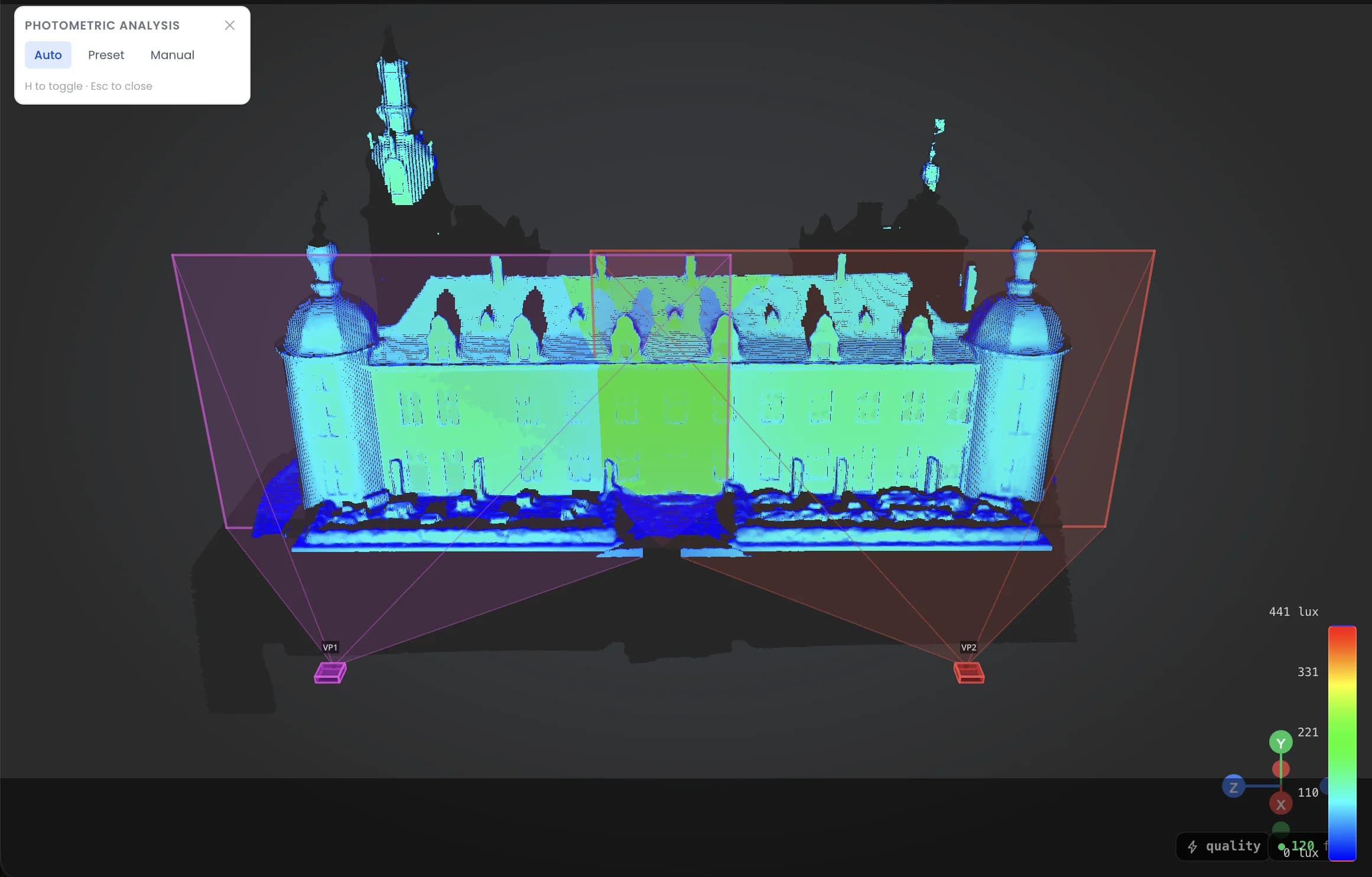
Museums and brand spaces come with a number attached: 70 lux here, 100 there, no visible dip in the blend zones. Lumeo computes the heatmap from manufacturer photometric data, per surface. Swap a projector model and the map recalculates. No spreadsheet per zone, no copy-paste cascade at 2 a.m.
4. The implantation plan the whole team can open
Export the PDF with per-projector sheets: positions, lenses, image sizes, distances. Ship the Excel BOM for the rental order. And share the 3D scene as a link: the client opens it in a browser, no account, no software. Rounds of annotated PDFs die here, unmourned.
I replayed a real study to measure the gain: the Museum of Art & Light in Kansas, 108 projectors, 3,400 m² of permanent projection. Three days per revision with the old stack. About 3 hours in Lumeo.
Read the MoAL case studyFrom venue drawing to signed plan, in an afternoon
The workflow is short on purpose. Nobody in this trade needs another 3D suite with a three-week learning curve.
- 1
Build the venue
Import a simplified GLB of the building, or draw the main surfaces with planes, cubes and curves. For most venues, a dozen surfaces carry the whole study.
- 2
Place the hardware
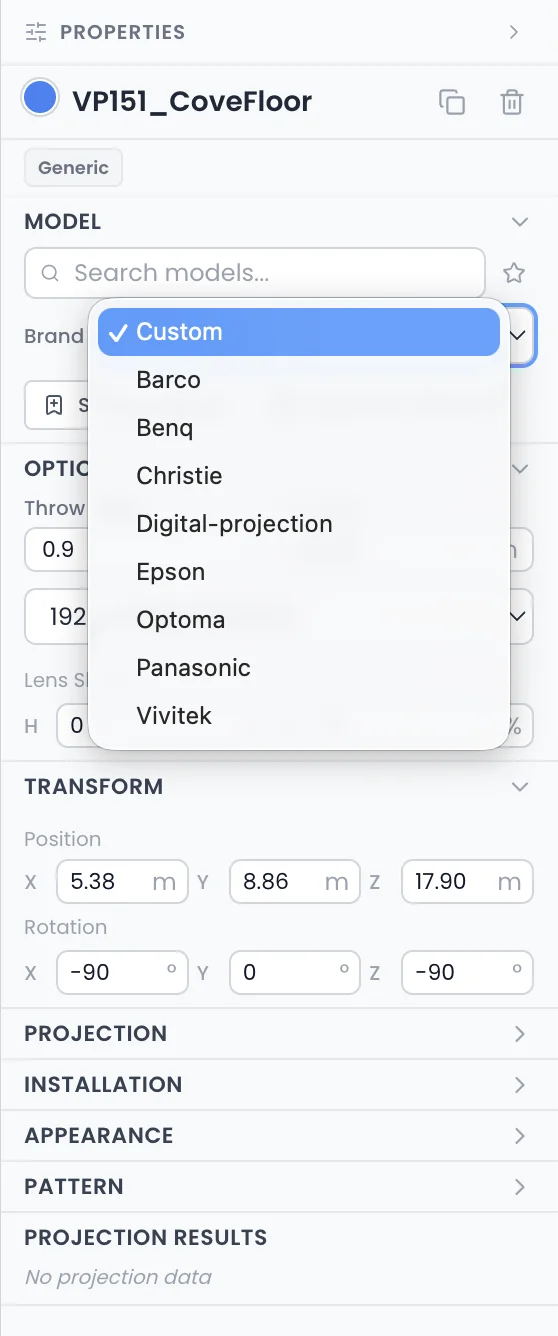
Pick projectors and lenses from the database: 293 projectors, 763 lenses with manufacturer values. Throw ratio and image size snap into place. LED walls are built panel by panel, with real pixel pitch.
- 3
Validate with numbers
Photometric heatmap, lux thresholds per zone, shadow studies, POV from any seat. Move a projector and everything recalculates live.
- 4
Export and share
PDF report, Excel BOM, and a viewer link for the client. The file that used to take a day to assemble takes minutes.
If you want the full method behind these steps, I wrote up the preparation workflow I use on my own projects, from first venue visit to hardware order.
Read the mapping preparation workflowLumeo is 50€ per month or 500€ per year, one plan, everything included. No per-seat negotiation, no sales call.
See the full pricing breakdownWhen Lumeo is not the right tool: lighting visualization and cue previz
Honest boundary, because this is where the vocabulary gets slippery. If your show is moving heads, beam looks through haze and DMX cues, you are looking for lighting visualization software. Capture and Depence own that case: they simulate fixtures, talk to lighting consoles, and render beams properly. Lumeo does none of that, and I have no plan to fake it.
Lumeo covers the other half of stage previz: video projection, LED walls, photometry, truss as supporting structure. On most events both halves exist, and plenty of teams run a lighting visualizer next to Lumeo. Different files, different people, usually different weeks.
Also skip Lumeo if you do one 2-projector install a year. A subscription makes no sense for that. My free calculators on this site answer the throw ratio question in 2 minutes, and they will stay free.
The right doors for stage lighting previz:
Direct answers
What is previz software?
What is the difference between previz software and a media server?
Is Lumeo a lighting visualization software?
How much does previz software cost?
Can previz software run in a browser?
Do I need previz software for a small event?
Try it on your next study
30 days free, then 50€ per month or 500€ per year. Cancel in one click. Bring a real file: a venue, a lux target, a deadline. That is what it was built for.
Start the 30-day trialCookies and privacy Learn more
Cookies and privacy
This site uses cookies to measure audience and improve your experience. You can accept, reject or customize your preferences at any time. Learn more