Stage Design: a Working Guide for Live Events


Stage Design: a Working Guide for Events, Concerts and Venues
In short. Stage design means designing the stage space of a show, structure, light, video, sound, audience, and making it hold up technically. Most projects get sold on an appealing 3D render before anyone has asked how many lumens make it across the room. A stage is built twice: once in the render, once at load-in. A stage is planned in steps, brief, venue survey, stage plan, technical drawings, build, tuning window. Video is no longer a screen parked at the back, it is a full layer of the set. This guide sets the frame of the craft and explains where projection actually comes into play.
Most stage designs get sold on an appealing 3D render, before anyone has even asked how many lumens actually make it across the room. The render looks good, the client signs, and on load-in day you discover the gap.
Stage design, or stage scenography, means designing the stage space of a show: structure, light, video, sound, audience, and making the whole thing hold up technically. Not a drawing. A setup that has to be built, calibrated and run.
I am not a full-time stage designer. I am a video engineer and video mapping specialist. On event and concert stages, I come in on the video and projection layer, the one that changed the craft. It is from that role that I write this guide.
What Is Stage Design, Really?
Stage design organises a space so an audience can live a show inside it. It thinks through the structure, the sightlines, the position of every light and image source, and the circulation of everyone, audience included.
Stage Design, Scenography, Set: What Overlaps
The terms overlap and that creates confusion. Scenography designs the space in the broad sense, theatre, exhibition, event. Stage design is its live variant: a stage, an audience, a dated show. The set dresses that space once the structure is thought out.
On an event project, these roles can be held by one person or by a team. What does not change: someone has to design the space, and someone has to guarantee it holds up technically. Often it is not the same person.
What a Stage Designer Actually Delivers
A stage designer does not just deliver a render. They deliver a stage plan, scale technical drawings, a lighting layout, a video layout, and a build schedule. The 3D render serves to sell the idea and align the client. The technical drawings serve to build the show.
The frequent mistake: confusing the two. A good render is not a build plan. The render shows the intent, the stage plan shows where every truss foot and every cable goes.
The Building Blocks of a Stage
A stage is a stack of layers. Each one has its constraints, and one of those layers always has the last word.
Structure and Rigging: What Holds the Show
The structure carries everything else. Truss, bridges, feet, hangs. Weight is not negotiable: projectors, LED panels, speakers, machinery, it all weighs, and the structure has to hold it with headroom.
It is the least visible layer and the least negotiable. A badly placed light can be recovered, an undersized structure cannot. Rigging is calculated upstream, by people whose job it is.
Light: the Layer Everyone Sees First
Light is the layer the audience perceives most immediately. It sculpts the volumes, it directs the eye, it gives the rhythm.
It also sets a direct constraint on the video layer: stage light and projection share the same space, and stray light crushes a projection. A stage design that thinks the light without thinking its impact on video is preparing a conflict for tuning day.
Video and Projection: the Layer That Changed the Craft
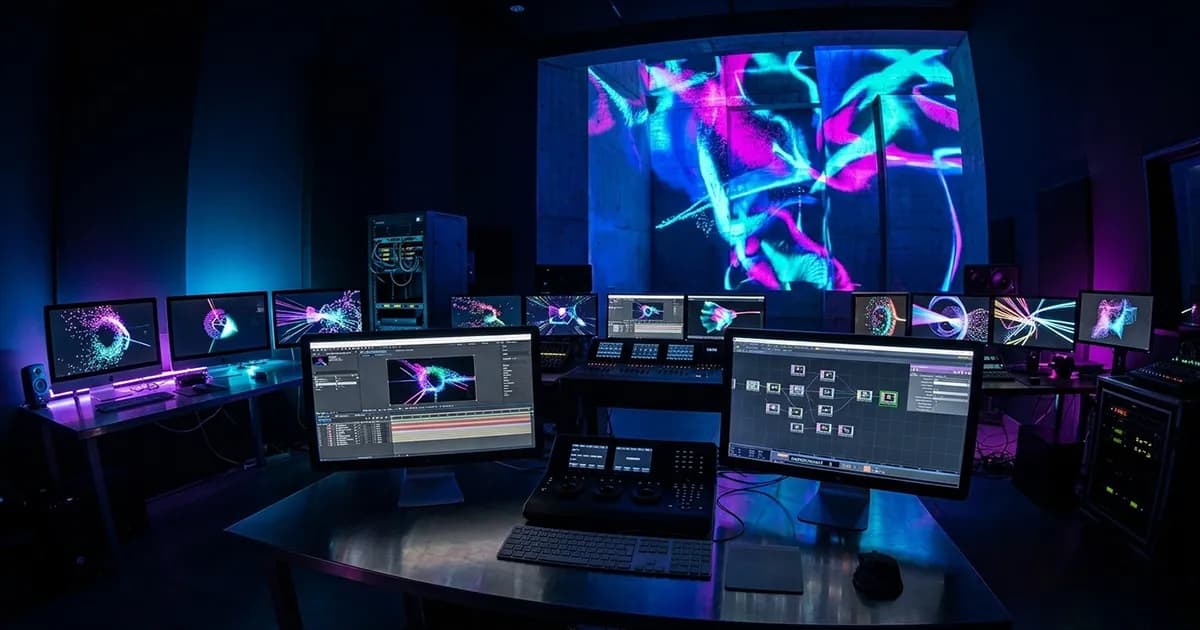
Video is no longer a screen parked at the back of the stage. It is a full layer of the set: set mapping, non-flat surfaces, LED and projection mixed on the same show.
That shift widened the craft. Designing a stage today also means deciding where the image goes, on which surface, with which throw ratio, at what brightness relative to the stage light. The video layer has its own physical constraints, and they are not solved in a rendering tool. See how mapping works on stage surfaces.

Sound and Sightlines: the Constraints That Outrank the Render
Two constraints come before aesthetics: sound and sightlines.
Sound dictates speaker positions, coverage zones, sometimes dedicated structures. Sightlines dictate that every spectator sees the stage: a gorgeous set element that blocks the view of a third of the room is an element to move.
These two constraints outrank the render. A 3D render does not show the spectator in row K whose view is cut by a truss foot. The stage plan does, if you read it correctly.
How to Plan a Stage, Step by Step
A stage is planned in an order. Skipping a step means pushing the problem further down the line, where it costs more.
- The brief and the objective. What this show has to do, for whom, on what budget. A brief with no numbered constraint is not a brief.
- The venue survey. Real dimensions, ceiling heights, hang points, available power, loading access. The survey always corrects the render.
- The stage plan. The layout: positions of the structure, the equipment, the signal ins and outs.
- The technical drawings. The scale documents that allow the build, readable by the structure, lighting, video and sound teams.
- The build. The physical assembly on site, in the order of the layers: structure first, then light, video, sound.
- The tuning window. The time for rehearsal, calibration and media testing before the show.
That last step is the one cut first when the schedule tightens. That is a mistake. The most frequent fault on a live project is not an equipment error, it is the lack of time buffer: rehearsal time, tuning time, testing time. Testing is the moment you surface the trouble. Cut it, and the trouble walks on stage mid-show. Keeping the tuning window intact is professional hygiene.
Stage Design Software and the Stage Plan
The tools question always comes up. Let us address it without listing a fake top 10.
What a Stage Plan Is and Why It Saves a Build
The stage plan is the layout plan of the stage: where each element goes, each structure foot, each signal in and out. It is the reference document of the build.
A clear stage plan saves a build. The team knows what to set, where, in what order, without waiting for a decision. A missing or vague stage plan turns the build into a string of questions, and every question costs time the schedule does not have.
The Tools That Actually Help
Two families of tools, and they should not be confused. Stage plan tools produce the 2D layout: positions, equipment, signal. 3D visualisation and study tools let you test the space, the volumes, and the projection before the build.
For the projection side specifically, the recurring problem is that studying a projection layout usually requires mastering heavy 3D software. That is exactly the pain Lumeo solves: preparing a projection study without learning 3D, straight in the browser, on a laptop. It is not a media server, it is the upstream study stage, the one where you check that a projection fits before writing the quote.
Stage Design by Context: Event, Concert, Permanent Venue
The frame is the same, the tempo and the priorities change with the context.
Corporate and conference stages carry a strong technical stake: clean signal, content legibility, absolute reliability, because a keynote does not get a second take. That is a sub-topic that deserves its own treatment.
Concert and live stages add rhythm, light-video-sound sync, and an audience that moves. A future article will dig into that context specifically.
Permanent venue stages are built once and used every night. The logic gets close to a permanent install: robustness, maintenance, documentation, because the setup has to run without its designer.
All three share the same method skeleton. This guide sets that skeleton; the specific contexts will be handled separately.
Where Projection Enters Modern Stage Design
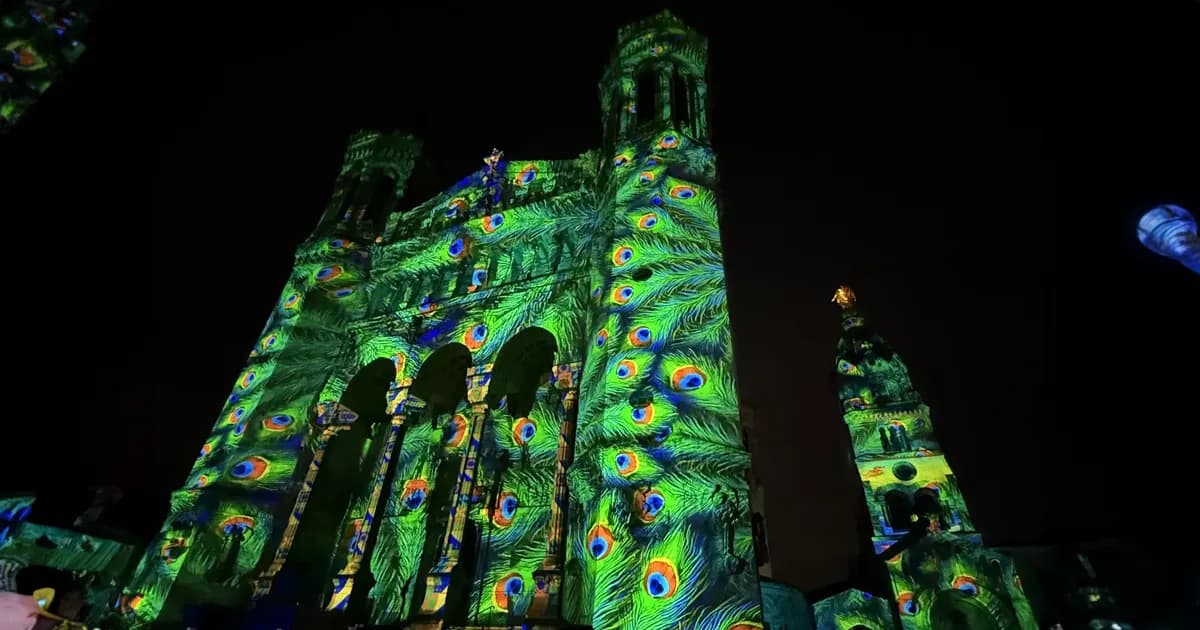
This is my layer, so I will dwell on it. Projection on a stage is no longer a back screen. It is set mapping on non-flat surfaces, LED and projection mixed, volumes dressed by the image.
That adds physical constraints the 3D render does not show. Throw ratio decides whether a projector fits in the available throw distance: indoors, you usually work between 0.8 and 1.5. Brightness is reasoned in lux on the surface, not in lumens on the spec sheet: a controlled indoor setting calls for 70 to 100 lux. The blend between projectors and the calibration take time, sometimes two or three nights on a complex geometry. And syncing the image, the light and the sound is a discipline of its own: see syncing video, light and sound on a live stage.
I have worked on brand event stages where video carried the set, like the Estée Lauder event, and on 360-degree stage projection setups like the 360° CFE-CGC project. In both cases, the video layer was designed with the stage, not stuck on at the end. That is the difference between a projection that integrates and a projection that looks pasted on.
Producing that video layer, from concept to actually projectable images, is a craft in itself: see creating video content for a stage backdrop.
When Stage Design Is Not Worth the Spend
Not every show needs an ambitious stage design. Here are the cases where I advise keeping it simple.
A small event in a flat room, tight budget. A meeting, a modest seminar, a company evening with no show stake: good lighting and a clean screen are enough. An elaborate 3D design and mapping would be money spent to impress on the quote, not to serve the event.
When the show does not call for it. An ambitious stage design is justified when the content and the objective demand it. If the show holds up without it, adding it does not make it better, it makes it more expensive and harder to build.
When the brief opens with "immersive" and not a single numbered constraint. If the brief leads with "immersive experience" with no lumens, no surface in square metres, no budget, no ambient light level, it is not a brief, it is a wish. A stage design is not validated on a render, it is validated on constraints. Ask for the numbers before drawing anything.
Direct Answers
What is stage design? It is designing the stage space of a show, structure, light, video, sound, audience, and making it technically achievable. It is not a drawing: it is a setup that has to be built, calibrated and run on show day.
What does a stage designer do? They go from brief to build. Venue survey, stage plan, scale technical drawings, build supervision, tuning window. They deliver the documents that let every team, structure, light, video, sound, build the show.
What software is used for stage design? Two families of tools: stage plan tools for the 2D layout, and 3D visualisation and study tools to test the space and the projection before the build. Do not confuse a plan tool with a study tool.
How much does a stage design cost? There is no universal pricing grid. The budget breaks down into items: structure, light, video, show operation, design. What makes it vary is the scale of the show, the complexity of the video layer, and the build and tuning time planned for.
What is a stage plan? It is the layout plan of the stage: positions of each element, the equipment, the signal ins and outs. It serves as the reference document for the build and saves a considerable amount of time on the day.
How is video used in stage design today? Video has become a layer of the set, not just a back screen anymore. Surface mapping, LED and projection mixed, volumes dressed by the image. It is designed with the stage, not stuck on at the end.
A stage is built twice: once in the render, once at load-in. The gap between the two is the whole craft. If you are preparing a project and want a technical read on a stage design brief before committing, write to me. We will look at the constraints before the render.

Video mapping consultant and trainer
Fifteen years of monumental and museum-grade installations: Arc de Triomphe (7 editions), Museum of Art and Light Kansas (108 projectors), Atelier des Lumières. Design, multi-projector calibration, audit, Modulo Kinetic training.
Need technical expertise?
Let's discuss your video projection or mapping project. Reply within 48h business hours.
Discuss your projectDid you enjoy this article?
Receive my upcoming tips, field experience and best practices straight to your inbox.
By subscribing, you agree to receive our emails. You can unsubscribe at any time.
1 email per week maximum, unsubscribe in 1 click