Video Mapping Pricing: Rate Cards and Real-World Budgets

Video Mapping Pricing: Rate Cards and Real-World Budgets
In short. A video mapping project is costed across five spending categories: hardware (projectors, media server, structure), creative content (3D, animation, sound design), on-site installation and calibration, equipment rental or purchase, and operation (crew during the run). As a guideline, a trade-show booth projection starts around 5,000 to 15,000 EUR, an urban facade mapping ranges between 30,000 and 150,000 EUR, and a permanent installation like an immersive center commonly exceeds one million euros. Hardware weighs 30 to 50 percent of the total budget depending on the project, creative content 20 to 40 percent. Seven optimization levers exist: rent rather than buy, pool multiple performances, simplify the geometry, choose an optimal projection window, negotiate content, plan a realistic production schedule, anticipate maintenance.
Introduction
"How much does video mapping cost?" That is the question I get asked the most. And it is also the hardest one to answer simply.
The problem is a lack of transparency. Service providers rarely share their rate cards. Quotes for the same type of project can vary fivefold. Clients are left with no benchmarks to assess whether a budget is reasonable or excessive.
In 15 years of projects, from small trade show booth projections to monumental mapping on the Arc de Triomphe, I have seen budgets vary by a factor of 100 or more. Both ends of the spectrum can be perfectly justified. It all depends on the scope.
This article lays out the numbers. Not vague ranges, but realistic orders of magnitude, line by line, for each project category. The goal: give you the keys to build a coherent budget and avoid unpleasant surprises.
The 5 Cost Categories
Before talking about overall figures, you need to understand the structure of a mapping budget. Five categories account for the bulk of the costs.
1. Projectors (Rental or Purchase)
This is often the top line item. The cost depends on three factors: light output, number of units, and acquisition mode (rental vs purchase).
Typical event rental rates (per projector, per day):
| Output | Relative cost | Typical use |
|---|---|---|
| 5,000 - 8,000 lumens | Base rate | Indoor, small surface |
| 10,000 - 15,000 lumens | 2-3x base | Medium indoor, small facade |
| 20,000 - 30,000 lumens | 4-8x base | Medium facade, outdoor |
| 30,000 - 40,000+ lumens | 8-15x base | Monumental, demanding outdoor |
Purchase prices span a very wide range, from entry-level models to high-end laser 4K projectors costing more than 20 times the entry price. Interchangeable lenses represent a significant additional investment per lens depending on the range.
Further reading: How to choose a projector for mapping covers the selection criteria in detail.
2. Media Servers and IT Infrastructure
The media server plays back the content, handles warping, blending and synchronization. It is the brain of the installation.
Typical price ranges:
| Configuration | Relative cost | Complexity |
|---|---|---|
| PC with Resolume Arena (license) | $ | 1-2 outputs, basic warping |
| Modulo Player (1-6 outputs) | $$ | Multi-output, professional warping |
| Modulo Kinetic (multi-output) | $$$ | Advanced multi-output, 3D features |
| Disguise / Watchout setup | $$$$ | Enterprise, large-scale shows |
Each step up in media server tier represents roughly a 3-5x cost increase.
For events, the media server is usually rented along with the projectors. For permanent installations, it is a capital investment. The choice also affects labor costs: a tool the technical team knows well significantly reduces calibration time.
Detailed comparison: Which media server for video mapping?
3. Technical Labor
This is the most variable line item, and often the most underestimated. It includes:
- Technical study and sizing: site surveys, projection plans, optical calculations (1-5 days depending on complexity)
- Rigging and installation: physically setting up projectors, cabling, structures (1-10 days)
- Calibration and warping: pixel alignment, blending, adjustments (1-5 days)
- Show operation: technical presence during the show or exploitation period
- Teardown: typically 50% of the setup time
Indicative daily rates:
| Role | Relative day rate |
|---|---|
| Video technician / rigger | Base rate |
| Video engineer / calibrator | 1.5-2x base |
| Technical director / consultant | 2-3x base |
| Motion designer (content creation) | 1-2x base |
On a monumental project, the technical crew can involve 5 to 15 people for one to two weeks. This line item scales up fast.
4. Content Creation
Content is what the audience sees. It is also what makes the difference between an impressive mapping and a disappointing one. And it is a cost that event budgets systematically underestimate.
Relative price ranges:
| Content type | Relative cost | Key cost drivers |
|---|---|---|
| Simple 2D animation (2-3 min loop) | $ | Short duration, flat graphics |
| Elaborate 3D content (5-10 min) | $$$ | 3D modeling, longer duration |
| Full scripted show (15-30 min) | $$$$$ | Narrative, multiple chapters, sound design |
| Real-time interactive content | $$$$ | Development, sensors, testing |
Each tier up in content complexity typically represents a 3-5x cost increase.
Cost depends on duration, visual complexity, the number of surfaces to cover, and the number of revision cycles with the client.
Key point: content must be custom-made, tailored to the exact geometry of the surface. Reusing generic content on a specific surface simply does not work. It is bespoke, and bespoke comes at a price.
5. Logistics and Infrastructure
The cost category that is systematically forgotten in initial estimates:
- Transportation: projectors, servers, cables, structures. Professional projectors weigh 30 to 80 kg each
- Support structures: trusses, towers, lifts, weather protection (housings)
- Power supply: a 30,000-lumen projector draws 3 to 5 kW. Multiply by the number of projectors, add servers, work lighting, HVAC for technical rooms
- Signal cabling: fiber optic, SDI, ArtNet/sACN network. On a monumental project, several hundred meters of cable
- Insurance: public liability, equipment damage. On a large equipment pool, this is not negligible
Field rule: logistics typically accounts for 10 to 20% of the total budget for an event. On a monumental outdoor project, it can reach 25%.
Event Rate Cards
Here are orders of magnitude for three categories of event projects. These figures include all cost items (equipment, technical labor, content, logistics) for a complete turnkey service.
Small Facade: 50-100 sqm
Mapping on a modest building, an event booth, a stage set. 2-4 projectors, 5-10 minutes of content.
| Item | Share of budget |
|---|---|
| Projectors (3-day rental) | 20-30% |
| Media server + IT | 10-15% |
| Technical labor | 25-30% |
| Content creation | 30-40% |
| Logistics | 5-10% |
This type of project represents the entry level for professional mapping.
This type of project is set up in 1-2 days and calibrated in a few hours. It is within reach for a product launch, a corporate event, or a local festival.
Medium Facade: 100-300 sqm
Building facade, medium-sized heritage building, elaborate stage set. 4-10 projectors, 10-20 minutes of content, multi-projector blending.
| Item | Share of budget |
|---|---|
| Projectors (5-day rental) | 25-35% |
| Media server + IT | 10-15% |
| Technical labor | 20-25% |
| Content creation | 30-40% |
| Logistics | 5-10% |
Budget for this category is typically 3 to 5 times that of a small facade project.
This is the most common category in event mapping. Setup takes 3-5 days, calibration 1-2 days. The quality of blending between projectors becomes a major concern.
Related article: Edge blending: the multi-projector overlap guide
Large Monumental Facade: 300+ sqm
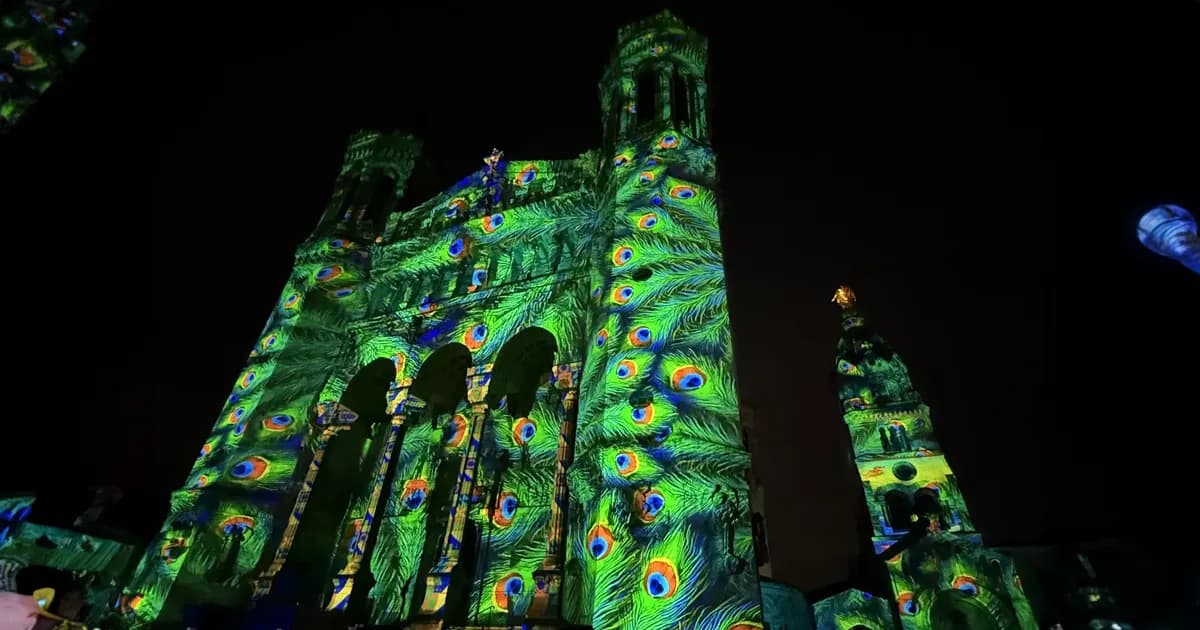
Monumental mapping for light festivals, son et lumiere shows, national events. 10-30+ high-power projectors, full 15-30 minute show.
| Item | Share of budget |
|---|---|
| Projectors (7-14 day rental) | 30-40% |
| Media server + IT | 10-15% |
| Technical labor | 15-25% |
| Content creation | 30-40% |
| Logistics (structures, power, transport) | 10-15% |
Budget for monumental projects is typically 3 to 10 times that of a medium facade, depending on scale and ambition.
Field example: On the Arc de Triomphe project, the setup involved more than 15 high-power projectors. Rigging spanned over a week, with substantial technical crews. This type of project requires months of preparation.
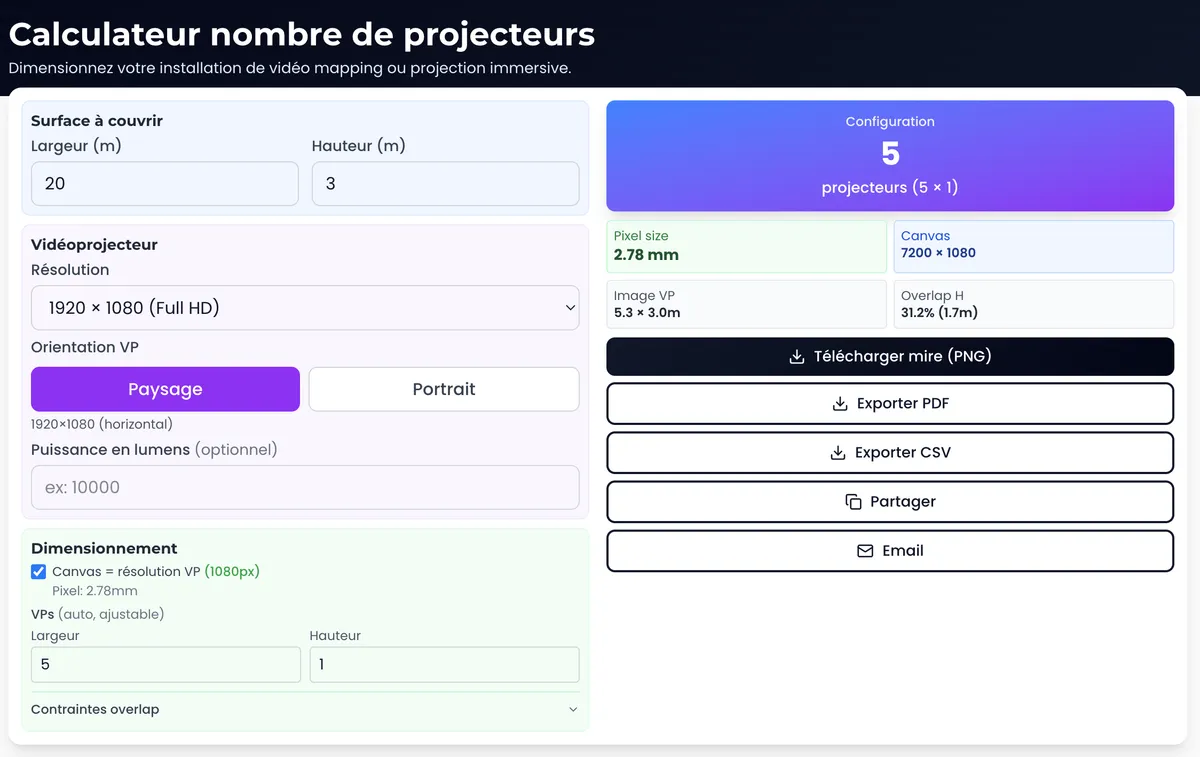
Size your project: The multi-projector calculator determines the optimal configuration for your surface.
Permanent Installation Budget and 5-Year TCO
Permanent installations (immersive museums, cultural venues, showrooms) have a very different cost structure from events.
Initial Investment
| Item | Share of initial investment |
|---|---|
| Projectors (purchase, 8-20 units) | 40-55% |
| Lenses | 5-10% |
| Media servers (purchase) | 8-12% |
| Infrastructure (cabling, network, structures) | 5-8% |
| Installation and calibration | 5-8% |
| Initial content creation | 12-20% |
The total initial investment for a 200-500 sqm installation is substantial, scaling primarily with the number and power of projectors required.
Total Cost of Ownership (TCO) Over 5 Years
This is where many projects go off track. The operating cost of a permanent installation is significant.
| Annual item | Share of annual costs |
|---|---|
| Electricity (10-20 projectors, 8h/day) | 20-25% |
| Preventive maintenance (recalibration, cleaning) | 15-20% |
| Consumables replacement (filters, lamps if applicable) | 5-15% |
| Content refresh | 25-35% |
| Technical support and software updates | 10-15% |
Annual operating costs typically represent 10-15% of the initial investment. This is the figure that catches many projects off guard.
5-year TCO = initial investment + (annual cost x 5)
For a 300 sqm installation with 12 laser 4K projectors, the 5-year TCO (initial investment + 5 years of operation) is substantial. But spread over 5 years of daily operation, the cost per day of use remains competitive compared to repeated rental.
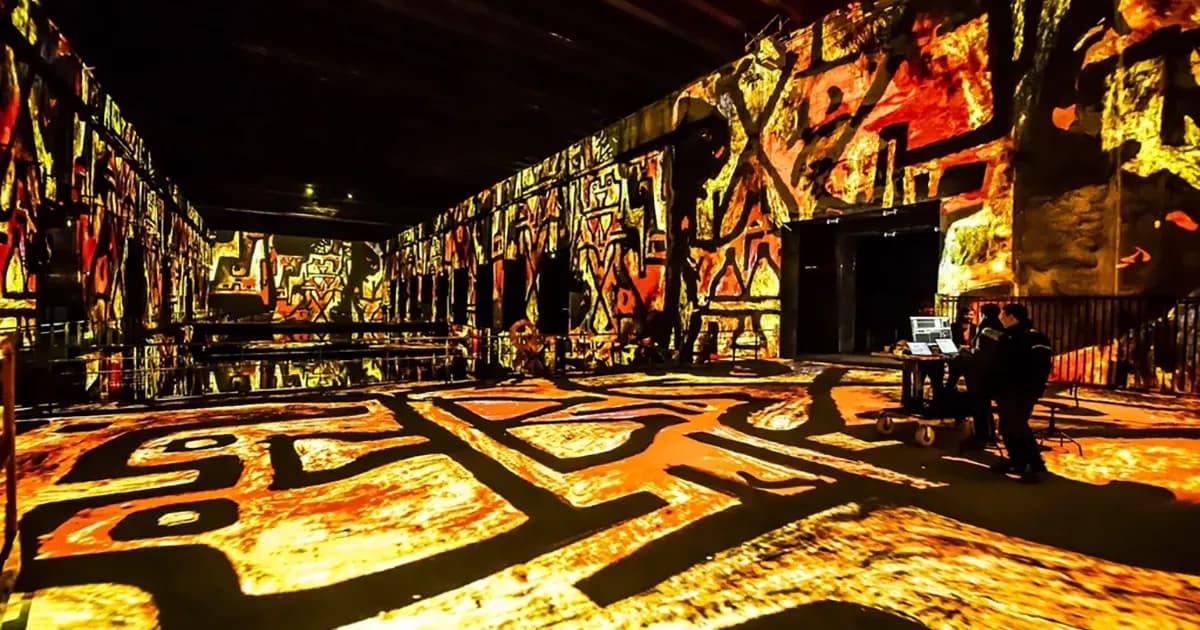
Field example: The Culturespaces installations I have been involved with run several dozen projectors per venue, in daily operation. Equipment reliability and regular maintenance are the keys to long-term profitability.
Rental vs Purchase: the Break-Even Point
The question comes up every time: is it better to rent or buy?
When Rental is Preferable
- One-off projects (1-5 dates per year)
- Projects with different configurations each time
- When you do not want to deal with storage and maintenance
- To test a format before committing to an investment
When Purchasing Becomes Cost-Effective
The calculation is straightforward. Take the annual rental cost and compare it to the purchase cost amortized over 5 years plus maintenance.
Rule of thumb: The break-even point between rental and purchase is typically around 30 to 50 days of use per year, depending on the projector class and maintenance costs. Below that threshold, rental is more cost-effective. Above it, purchasing makes financial sense.
In practice, factoring in maintenance and storage costs, the real threshold is closer to the upper end of that range.
For a permanent installation (museum, showroom, immersive venue), there is no question: purchasing is the only viable option. Renting for 365 days would be astronomical.
The Hybrid Model
This is what I recommend most often to organizations that run several events per year:
- Buy a core fleet (the projectors you use every time)
- Rent the extras for large projects (additional projectors, specialized lenses)
This model optimizes the budget while maintaining flexibility.
7 Tips to Optimize Your Budget
1. Size Accurately, Not Generously
This is the most powerful lever. Too many projects start with 20,000 lumens when 12,000 would suffice, or with 4K when Full HD is indistinguishable at the audience distance.
Use the projection calculator to determine the actual required output. Each step down in brightness class saves 30 to 50% on the projector line item.
2. Optimize the Number of Projectors
More projectors does not always mean a better result. Proper sizing with the right lenses can reduce the number of projectors needed.
The multi-projector calculator automatically optimizes the configuration to cover your surface with the minimum number of projectors.
3. Pool Resources with Other Events
If your service provider has another event the same week, negotiate a shared rate on transport and logistics. This is common practice in the event industry.
4. Plan Ahead
Rental rates increase 20 to 40% during peak demand periods (year-end holidays, Fashion Week, trade shows). Booking 3-6 months in advance secures the best rates and equipment availability.
5. Tailor the Content to the Budget
Well-designed 2D content with smart graphic effects can be just as impressive as photorealistic 3D content for a fraction of the price. Art direction matters as much as technology.
6. Choose the Right Light Source
For a one-off event, a lamp-based projector (cheaper to rent) may be sufficient. Reserve laser for permanent installations where the source lifespan (20,000+ hours) justifies the premium.
7. Invest in Preparation
An upfront technical study costs a few thousand euros but can save tens of thousands. A sizing error discovered on-site means emergency additional equipment (50 to 100% surcharge), wasted labor hours, and a degraded result.
Related article: The mapping preparation workflow details the key steps for proper planning.
Hidden Costs
Beyond the 5 main categories, several costs are regularly overlooked in initial budgets.
Electricity
A 30,000-lumen projector draws approximately 4 kW. On a 10-projector installation, that is 40 kW for projectors alone. Add servers, HVAC, work lighting: you quickly reach 60-80 kW. For a permanent installation, the annual electricity bill is a significant recurring expense.
Common pitfall: The venue does not have sufficient electrical capacity. A temporary power connection or a generator represents a significant unplanned expense.
Transport and Handling
Professional projectors weigh between 30 and 80 kg each, in flight cases that double the weight. For 10 projectors, that is 1 to 2 tonnes of equipment. Truck transport, handlers, forklift: the cost scales significantly with distance and venue accessibility.
Insurance
Equipment damage, cancellation, public liability. On a large equipment pool, insurance costs are proportional to the value at stake and can add up quickly. Some venues require specific coverage.
Permits and Rights
Projecting on a listed monument? You need permits (city hall, heritage architect). Using music or copyrighted works in the content? Licensing fees and copyright clearance. These costs are rarely included in technical quotes but can amount to several thousand euros.
Weather (Outdoor)
Outdoor mapping is at the mercy of the weather. Rain, strong wind, fog: anything can compromise the projection. Budget for weather housings (projector protection), and a backup date if possible. Custom housings for each projector add to the cost.
FAQ
Is video mapping more expensive than LED screens?
It depends on the surface area and the duration. For a one-off event on a large surface (> 100 sqm), mapping is generally less expensive than LED walls. For a small-surface permanent indoor installation, LED can become competitive. The comparison must be made case by case, factoring in content cost (mapping content is more expensive because it is bespoke).
Can you do mapping on a very small budget?
Yes, for an indoor mapping on a small surface (< 50 sqm) with 1-2 projectors and simple content. This is suitable for art installations, window displays, or small events. For monumental outdoor work, this budget will not cover the requirements.
What share of the total budget goes to content creation?
Typically 20 to 40% of the overall budget. It is often the most underestimated line item. A mapping with mediocre content, even projected with top-tier equipment, will remain disappointing. Better to have great content on decent equipment than the other way around.
Should you include a maintenance service in the budget?
For a one-off event, no (it is included in the service). For a permanent installation, it is essential. Budget 5 to 10% of the initial investment per year for maintenance (recalibration, lens cleaning, software updates, parts replacement).
Are prices going down over time?
Projectors are becoming more powerful at the same price point, which reduces the cost per lumen. However, resolution and quality expectations are rising, and skilled labor costs follow inflation. The overall budget for a project of equivalent quality remains relatively stable from year to year.
Need a Quote for Your Project?
A mapping budget depends on dozens of parameters. Rather than estimating blindly, it is more effective to establish the technical foundations first: surface, required output, number of projectors, installation type.
Let's talk about your project to get a realistic estimate tailored to your project.
Start by sizing your installation with our free tools:
- Projection calculator: light output, throw ratio, pixel size
- Multi-projector calculator: optimal multi-projector configuration
- Lumeo 3D simulator: visualize your installation before budgeting
Further reading: The complete video mapping guide covers the entire process from design to show.

Video mapping consultant and trainer
Fifteen years of monumental and museum-grade installations: Arc de Triomphe (7 editions), Museum of Art and Light Kansas (108 projectors), Atelier des Lumières. Design, multi-projector calibration, audit, Modulo Kinetic training.
Need technical expertise?
Let's discuss your video projection or mapping project. Reply within 48h business hours.
Discuss your projectDid you enjoy this article?
Receive my upcoming tips, field experience and best practices straight to your inbox.
By subscribing, you agree to receive our emails. You can unsubscribe at any time.
1 email per week maximum, unsubscribe in 1 click