When Should You Use 2D Autocalibration?

When Should You Use 2D Autocalibration?
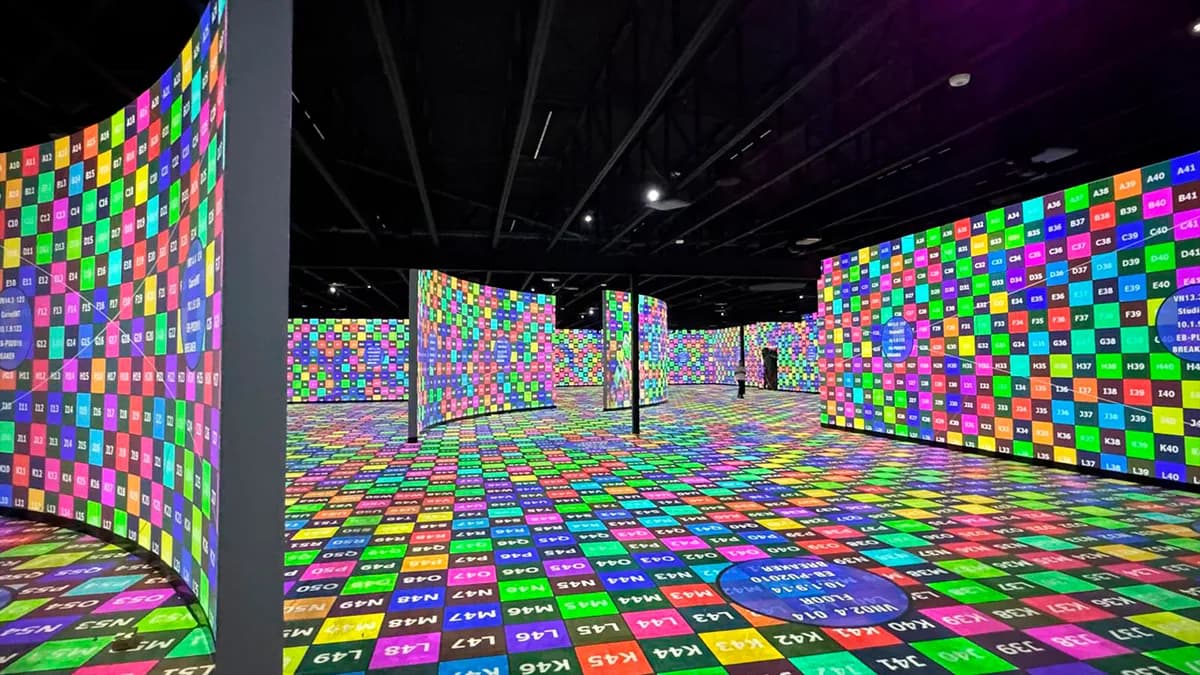
In short. 2D autocalibration is a feature of Modulo Player and Modulo Kinetic that automatically aligns multiple projectors in minutes, via a PoE camera that observes the projection surface. The system projects calibration patterns, the camera analyzes them, and the software computes the warping and blending of each projector. It is effective on smooth continuous surfaces (domes, planetariums, flat walls, cylindrical screens) where the warping is parametric and the camera sees the entire projected area without occlusion. It does not work (or requires manual completion) on facades with marked relief, surfaces with discontinuities (cornices, balconies), 3D objects, and configurations where no single camera can see the entire projection. The setup requires a well-positioned PoE camera and a license dongle per projector output. Used well, it saves hours on each edition of a recurring show.
Introduction
2D autocalibration is one of the most powerful features of Modulo Player and Modulo Kinetic. In just a few minutes, you get pixel-perfect alignment of multiple projectors, with automatic blending and warping.
But be careful: it's not a silver bullet. It works very well in some cases, and not at all in others.
Here's how to determine whether 2D autocalibration is right for your project.
How it works
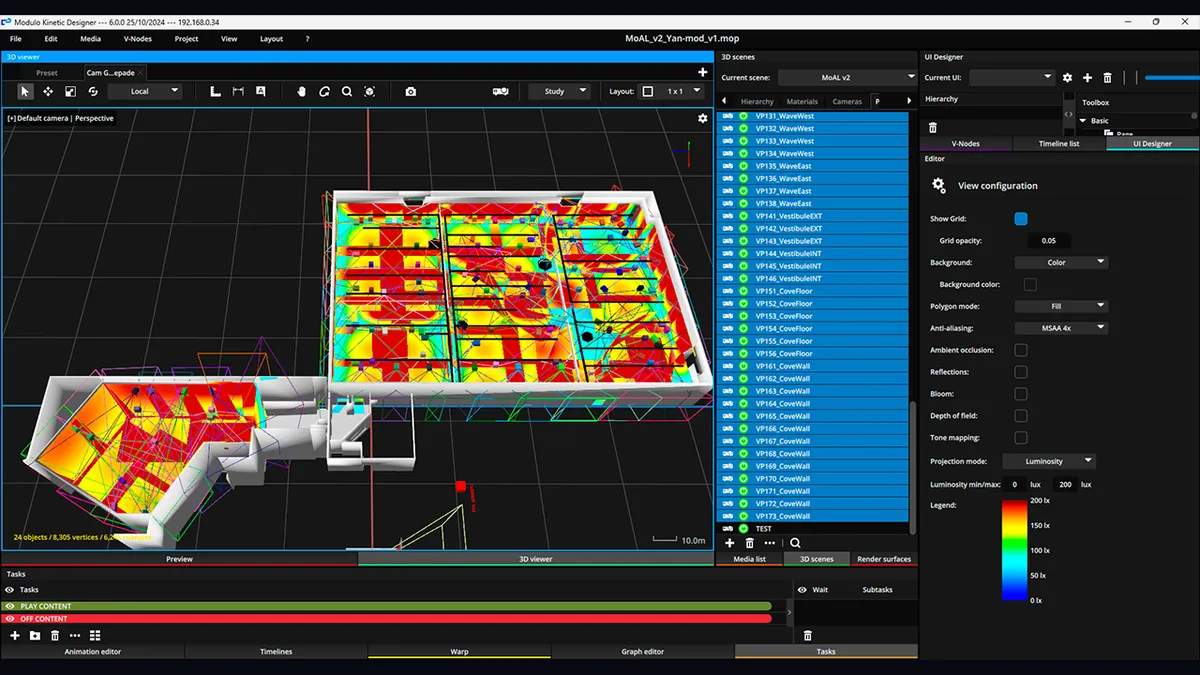
The principle is simple: a PoE camera observes the entire projection surface. The system projects calibration patterns, the camera analyzes them, and the software automatically calculates the warping and blending for each projector.
The required setup:
- A PoE camera with a full view of the projection surface
- An autocalibration dongle (licensed per output)
- Modulo Player (up to 6 outputs) or Modulo Kinetic (unlimited)
The difference between Modulo Player and Modulo Kinetic:
- On Modulo Player, autocalibration is limited to one server, so a maximum of 6 outputs
- On Modulo Kinetic, there's no limit. You can have as many V-Nodes as needed
When to use 2D autocalibration
Domes
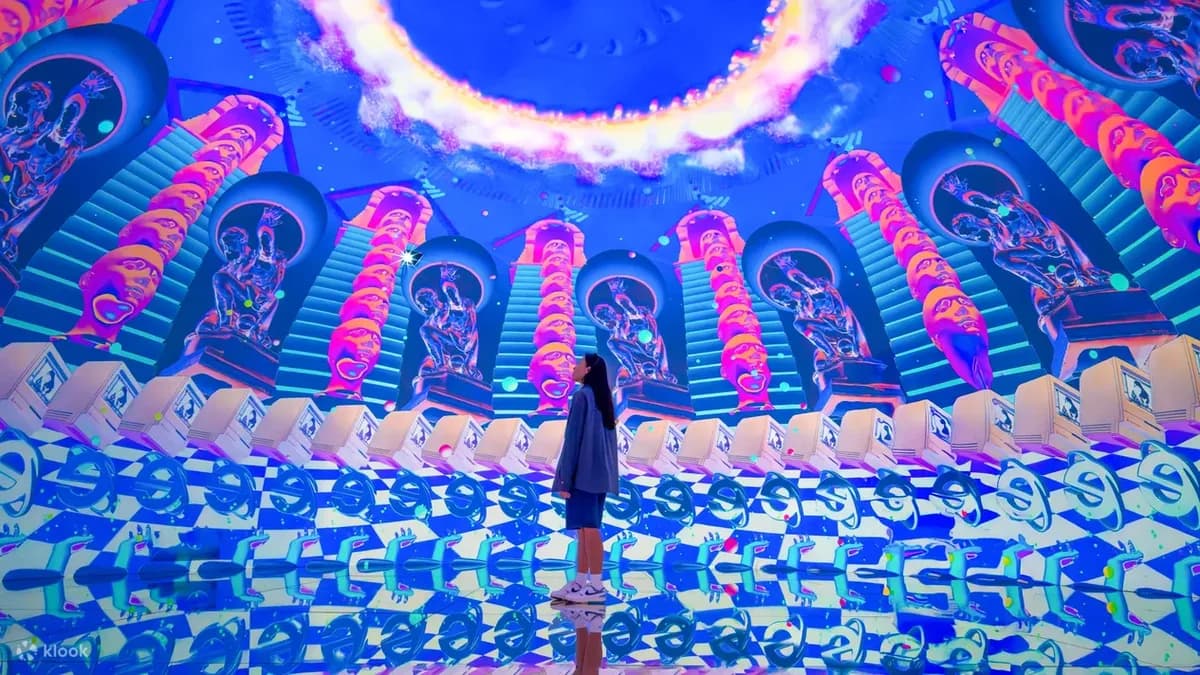
This is the ideal use case. On a dome, doing the warping manually is tedious. The surface curves in every direction, the distortions are complex. 2D autocalibration handles this perfectly and saves you hours.
Flat walls with multiple projectors
When you have a large flat surface to cover with multiple overlapping projectors (edge blending), 2D autocalibration guarantees a clean and fast result. Overlaps are calculated to the pixel.
Curved surfaces (cylindrical screens, semi-elliptical)
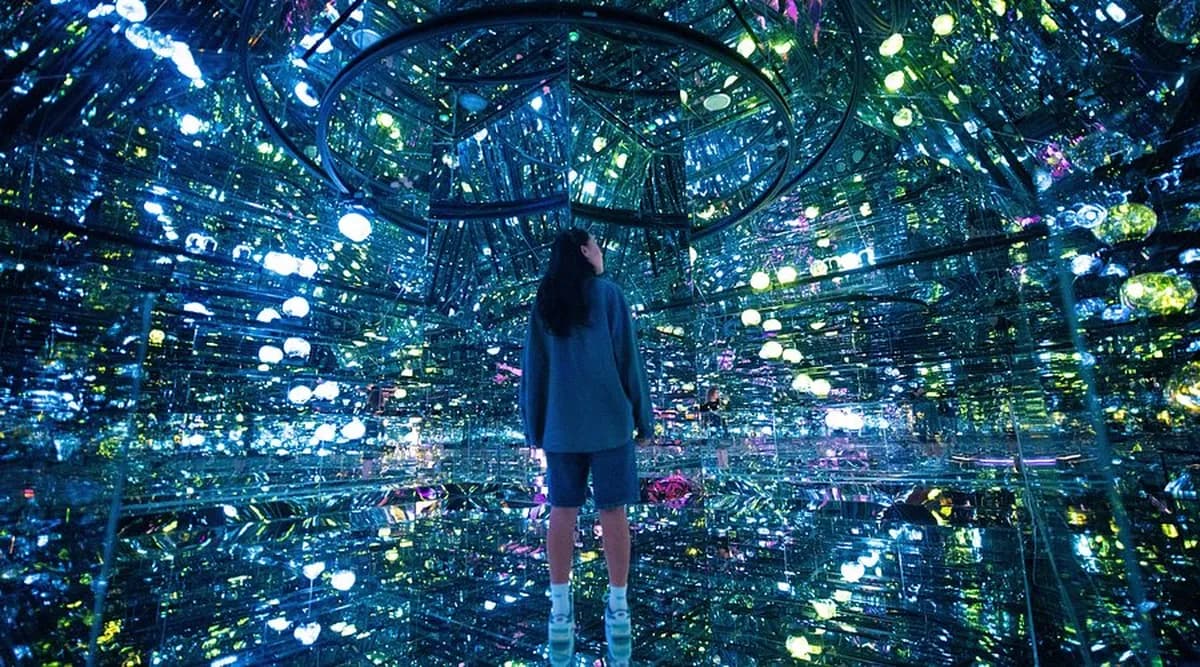
Same logic as domes. The curvature makes manual warping slow and imprecise. Autocalibration does the job in minutes.
Stacked projectors (dual, triple, quad)
Need more brightness? You stack multiple projectors on the same zone. Autocalibration handles the stacking layers. Just indicate it in the software.
When NOT to use 2D autocalibration
Surfaces with relief
2D autocalibration only works on smooth surfaces. If you're projecting onto a facade with recessed windows, cornices, or sculptures, it won't work. The system cannot handle depth variations.
For these cases, you need either manual warping or 3D autocalibration (which requires an accurate 3D model and 2 cameras per projector).
Environment with light pollution
The camera needs to clearly see the projected patterns. If you have parasitic light (ambient lighting, daylight, spotlights), detection will be poor and the result unusable.
Poorly positioned camera
If the camera cannot see the entire projection surface, autocalibration will not work. This is a constraint to anticipate during setup.
Summary: the checklist
2D autocalibration works if:
- Smooth surface (dome, flat wall, curved screen)
- Camera sees the entire surface
- No light pollution
- Projectors in overlap or stacking configuration
2D autocalibration does NOT work if:
- Surface with relief (facade, complex architecture)
- Light pollution
- Camera can't see everything
Conclusion
2D autocalibration is a fantastic tool that saves valuable time and guarantees a clean result. But it has its limits.
If your project checks the right boxes (smooth surface, well-positioned camera, controlled environment), go for it. Otherwise, manual warping or 3D autocalibration will be more appropriate.
Need help determining the best approach for your project?
Need support for your project?
Let's talk about your project to discuss your projection or mapping project.
Not ready to talk yet? Try our free calculation tools to size your project.
Download the free guide: 10 mistakes that ruin your mapping project (and how to avoid them).

Video mapping consultant and trainer
Fifteen years of monumental and museum-grade installations: Arc de Triomphe (7 editions), Museum of Art and Light Kansas (108 projectors), Atelier des Lumières. Design, multi-projector calibration, audit, Modulo Kinetic training.
Need technical expertise?
Let's discuss your video projection or mapping project. Reply within 48h business hours.
Discuss your projectDid you enjoy this article?
Receive my upcoming tips, field experience and best practices straight to your inbox.
By subscribing, you agree to receive our emails. You can unsubscribe at any time.
1 email per week maximum, unsubscribe in 1 click